Feature
MIDI Connection
Connect your digital piano to GrandScore and bring your practice to life.
Concept
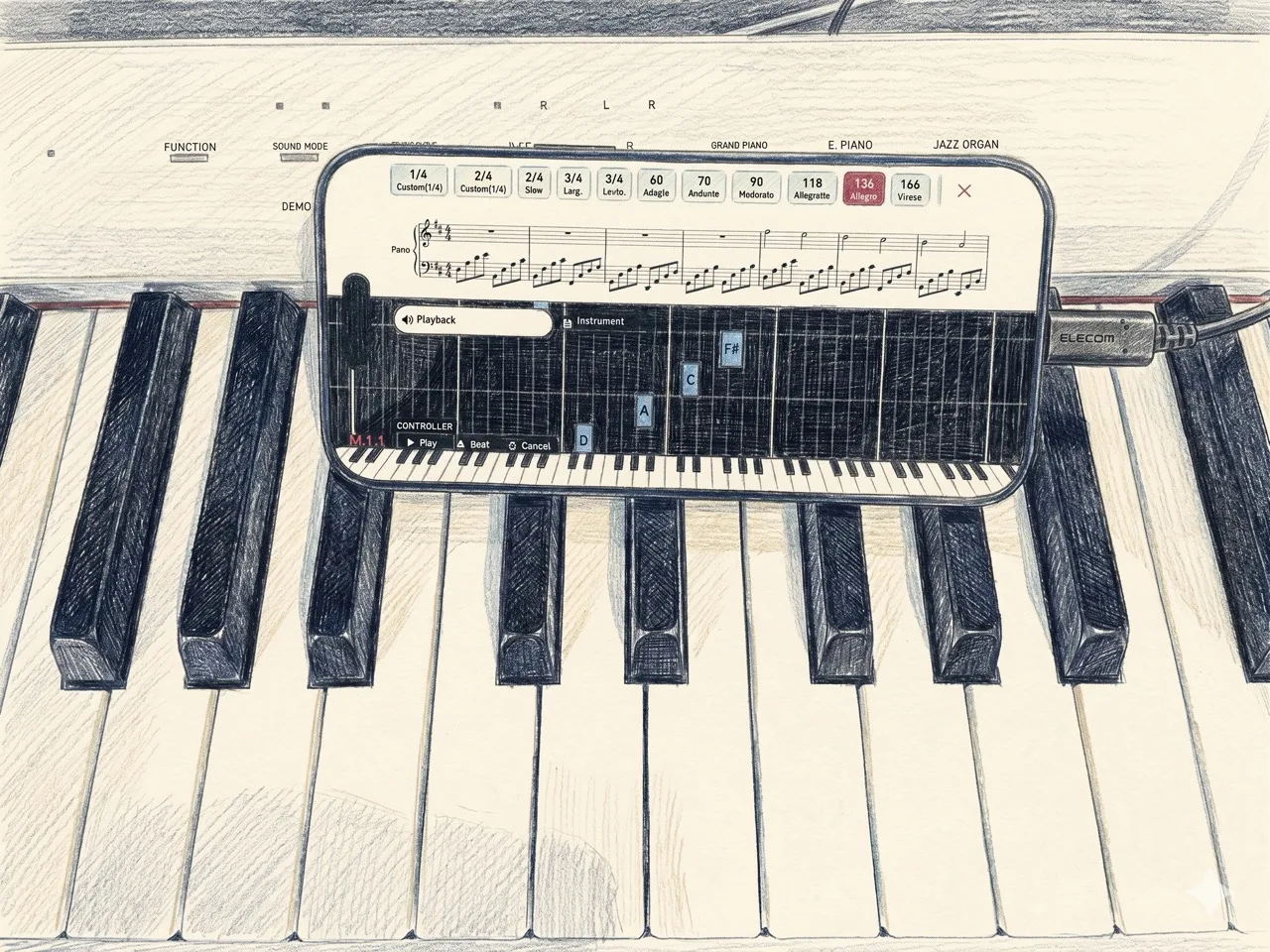
GrandScore's MIDI connection lets you play your digital piano while the app listens in real time. Notes you play are detected instantly, giving you visual feedback on the score. It bridges the gap between your real instrument and digital sheet music — no complex setup, just plug in and play.
On every device
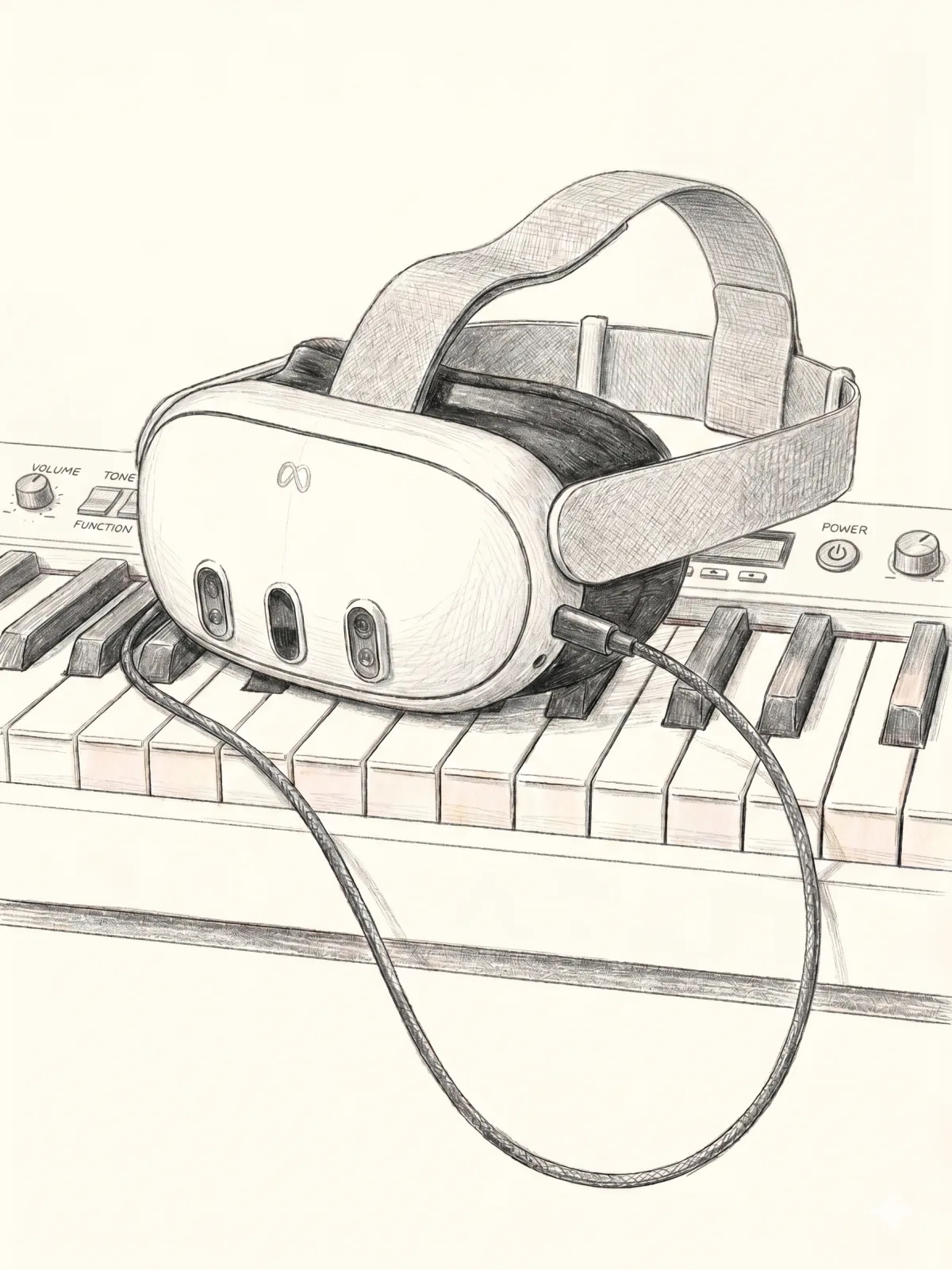
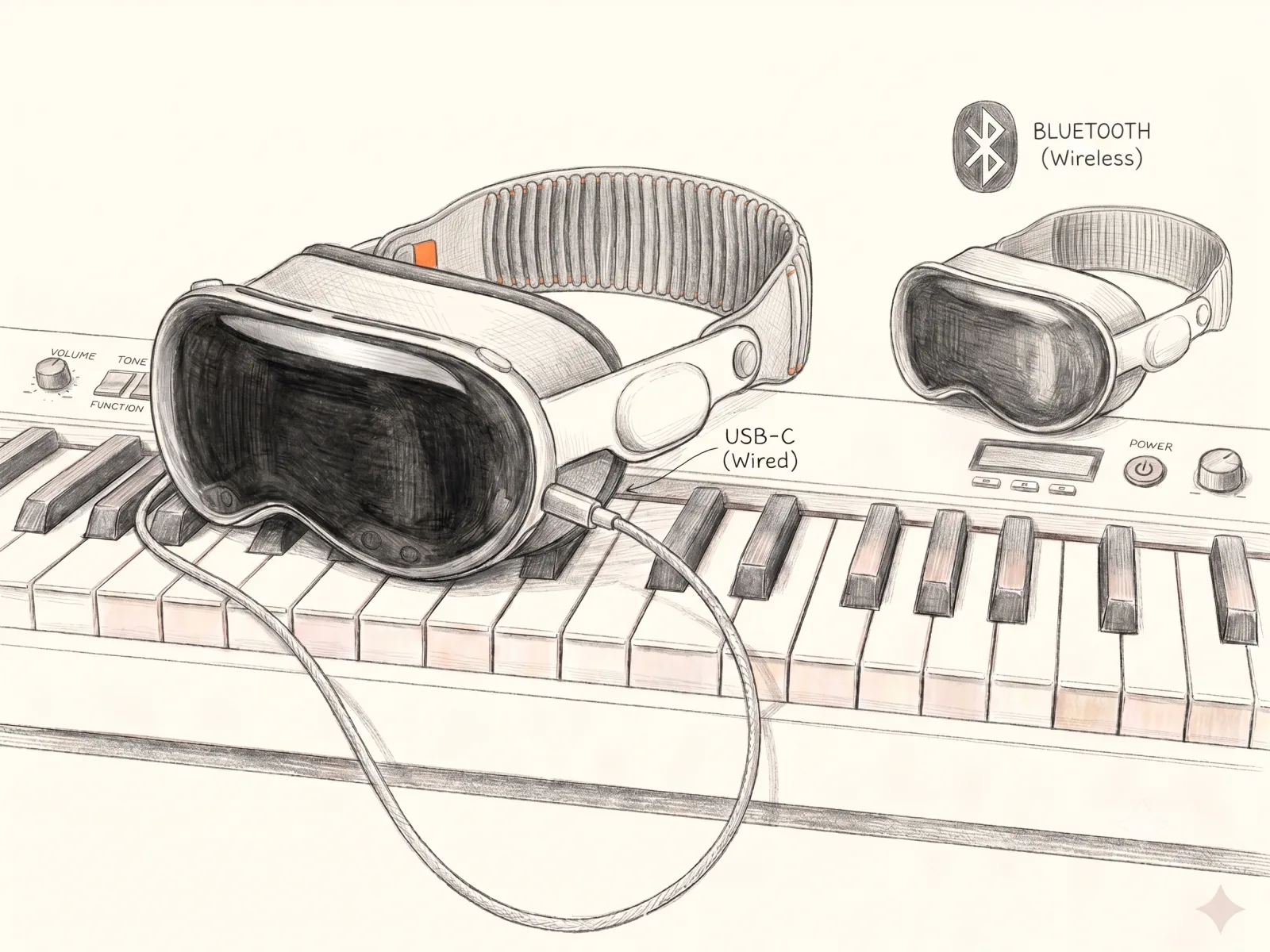
Connect a MIDI keyboard and play on iPhone and iPad — and on Apple Vision Pro and Meta Quest too.
How to Connect
All you need is a single cable. Connect your digital piano to your PC, iPad, or iPhone:
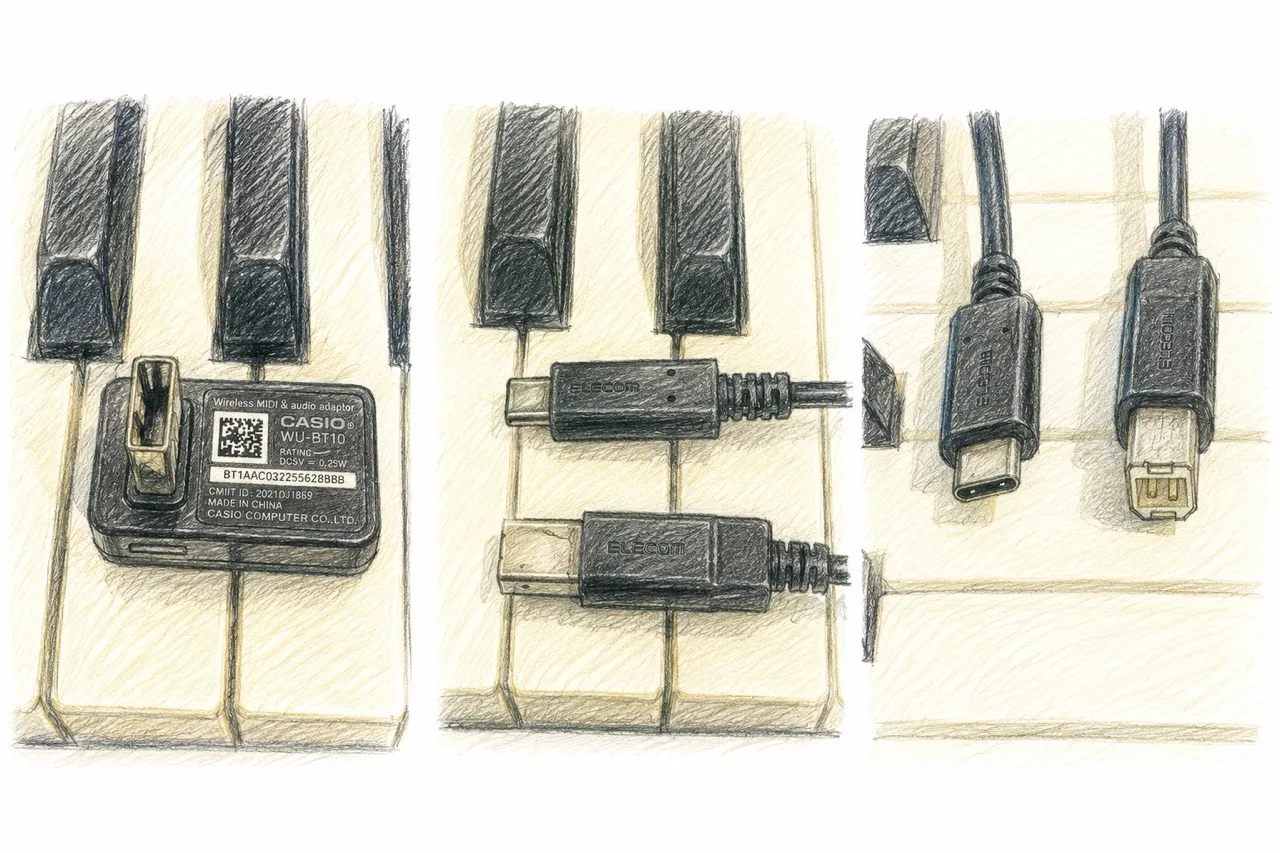
- ●MIDI to USB-C cable — for pianos with a traditional MIDI output
- ●USB-C to USB-C cable — for pianos with a USB port
Verified Devices
We have confirmed compatibility with the following setups:
- ●CASIO Privia PX-S1100 — works over a USB cable, and wirelessly via Bluetooth LE MIDI using a WU-BT10 / DH-CB10 adapter.
- ●Oripia49 — USB-C connection only (no Bluetooth).
Most digital pianos with MIDI or USB output should work. If your piano has a USB-B or MIDI 5-pin port, a simple adapter cable is all you need.
Try MIDI connection with GrandScore — download the app and plug in your piano.
FAQ
Can I connect my digital piano to an app and see the score?
Yes. GrandScore connects to a digital piano or MIDI keyboard with a single USB-C cable and detects the notes you play in real time, giving you feedback on the score.
Is there a sheet music app that supports a MIDI keyboard?
GrandScore does. Connect over MIDI to your PC, iPad, or iPhone, play along with the score, and the keys you press are reflected on screen instantly.
Do I need special hardware to connect?
Just one cable. Use USB-C to USB-C for pianos with a USB port, or a MIDI to USB-C cable for pianos with traditional MIDI output.